Building Production-Ready AI Agents: Architecture, Challenges, and Lessons from Real Projects

Veeresh Hindiholi
Founder & Lead Engineer
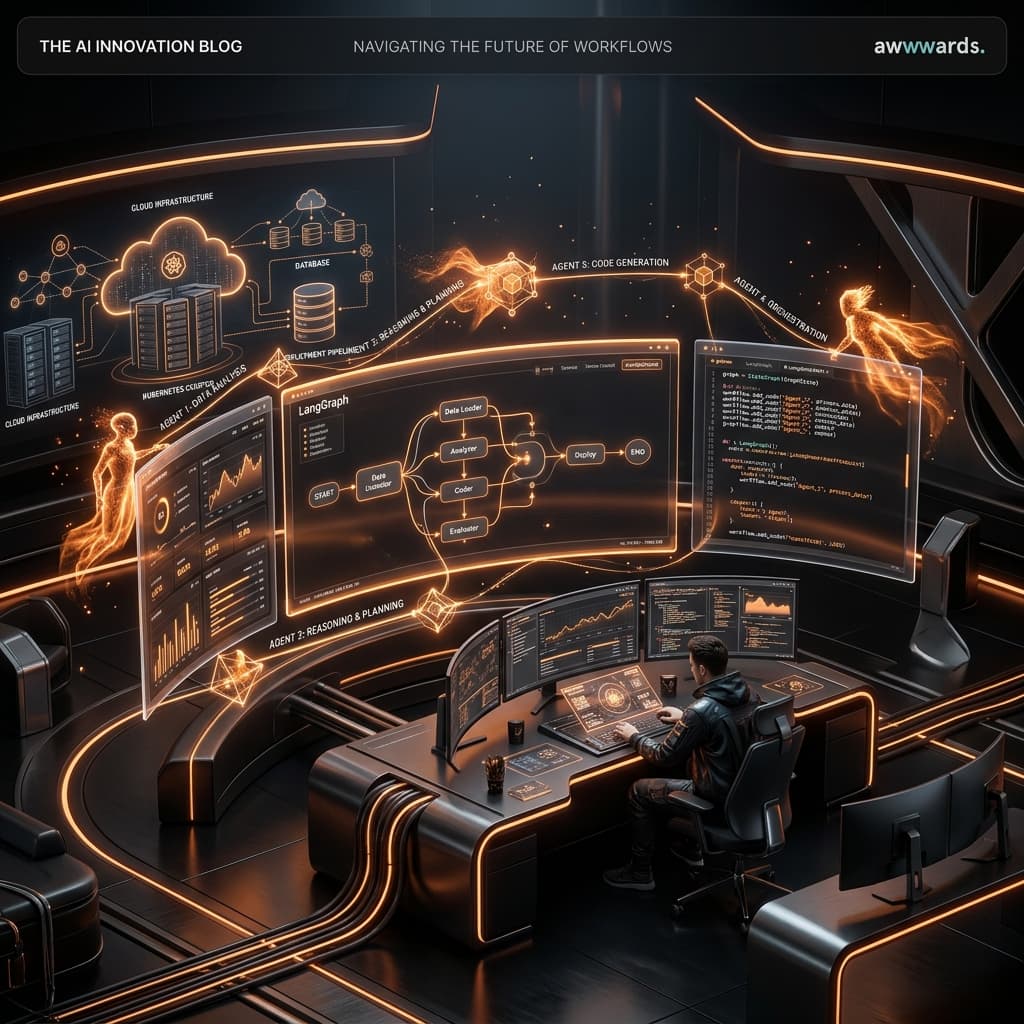
Over the past year, the industry has shifted from building simple wrappers around LLM APIs to deploying autonomous, tool-wielding agents. However, getting an agent to work in a Jupyter notebook is easy; getting it to reliably execute complex workflows in production without hallucinating or getting stuck in infinite loops is a completely different ballgame.
1. Why AI Agents are changing software forever
Traditional software engineering forces users to map their intent to a rigid graphical user interface. You want to extract data from a PDF, summarize it, and save it to a database? You have to click a dozen buttons, wait for loaders, and manually bridge the gap between distinct systems.
AI Agents invert this paradigm. Instead of providing the user with a UI, we provide the agentwith tools (APIs, databases, file systems), and let the LLM's reasoning engine plan the sequence of actions required to satisfy the user's raw intent.
2. Single Agent vs Multi-Agent Architecture
When we first started building autonomous systems, we used a single powerful agent (like GPT-4) armed with 20 different tools. This architecture quickly broke down. The agent would get confused, hallucinate tool parameters, or forget the original objective after a long context window.
The solution? Multi-Agent Systems (MAS). By using frameworks like LangGraph, we can isolate responsibilities. A Router Agent classifies the intent, a Research Agent browses the web, and a Coder Agent writes the script.
graph TD
    User((User Input)) --> Router{Router Agent}
    Router -->|Code Task| Coder[Coder Agent]
    Router -->|Research Task| Researcher[Researcher Agent]
    Router -->|General| QA[QA Agent]

    Coder --> Evaluator{Evaluator Agent}
    Evaluator -->|Fails| Coder
    Evaluator -->|Passes| Executor[Environment Executor]

    Researcher --> Executor
    Executor --> FinalOutput((Final Response))
3. Why MCP became the new standard
The Model Context Protocol (MCP) standardized how AI agents connect to external tools. Instead of writing custom API integrations and hardcoding tool schemas into the LLM system prompt, we now simply spin up an MCP server. The agent dynamically negotiates tool capabilities over a secure RPC connection.
import { Server } from "@modelcontextprotocol/sdk/server/index.js";
import { StdioServerTransport } from "@modelcontextprotocol/sdk/server/stdio.js";
import { CallToolRequestSchema, ListToolsRequestSchema } from "@modelcontextprotocol/sdk/types.js";

const server = new Server(
  { name: "database-mcp", version: "1.0.0" },
  { capabilities: { tools: {} } }
);

server.setRequestHandler(ListToolsRequestSchema, async () => {
  return {
    tools: [
      {
        name: "query_db",
        description: "Executes a read-only SQL query against the production replica.",
        inputSchema: {
          type: "object",
          properties: {
            sql: { type: "string" }
          },
          required: ["sql"]
        }
      }
    ]
  };
});
4. Memory systems
Stateless LLM calls are cheap, but agents require state. We implement a hybrid memory architecture:
- Short-term memory: The immediate context window (managed via LangGraph's state).
- Long-term memory: A Vector Database (like Pinecone) for semantic retrieval of past decisions.
- Episodic memory: A relational database storing exact transcripts for auditability.
5. Planning and reasoning
We rely heavily on ReAct (Reasoning and Acting) prompting paradigms. However, for complex tasks, we found that forcing the agent to output a <thought> block before outputting a <tool_call> reduces hallucination by 40%. The LLM essentially uses the output tokens as a scratchpad to align its reasoning.
Production Tip
Never expose destructive tools (e.g., DROP TABLE, DELETE /users) to an agent without a human-in-the-loop validation step. In LangGraph, you can pause execution and wait for an external API webhook to approve the state transition.
6. Tool calling
The biggest point of failure in Agentic workflows is malformed JSON during tool calling. Even state-of-the-art models occasionally output trailing commas or forget required parameters. Our middleware pipeline uses Zod to validate the JSON schema; if it fails, it catches the error and feeds it back to the LLM, saying:
{
  "system": "Your previous tool call failed with the following error. Please fix your JSON and try again.",
  "error": "ZodError: Required parameter 'date_range' is missing."
}
7. Production deployment & Observability
Deploying agents requires massive asynchronous scalability. We deploy our LangGraph agents inside Docker containers on Kubernetes, triggered via BullMQ or AWS SQS.
For observability, traditional APM tools fall short. You need to trace the LLM's thought process. We use LangSmith and custom OpenTelemetry spans to trace the exact prompt, the tools called, the latency, and the token usage per node in the graph.
8. Lessons learned
- Narrow scopes win. An agent designed to only format resumes will beat an "all-purpose assistant" 10 times out of 10.
- Latency kills UX. Stream the thought process (or an artificial loader) to the user. Blank screens during a 30-second multi-step reasoning chain will cause users to refresh.
- Fallbacks are mandatory. If the LLM goes down or hits a rate limit, the system should gracefully degrade.
Building AI systems is a constantly moving target. The architecture we use today will likely be obsolete in a year, but the fundamental engineering principles of decoupling, observability, and robust error handling will remain exactly the same.